Arena Experiments: Connect your apps to Arena
Last updated: September 22, 2026
We're currently experimenting with a way for users to connect your apps to Arena. You can now connect apps you already use so Arena's agent can work with them right inside a chat. Ask it to pull a doc, check your calendar, summarize an email thread, or update a Notion page, and it acts on your connected accounts directly.
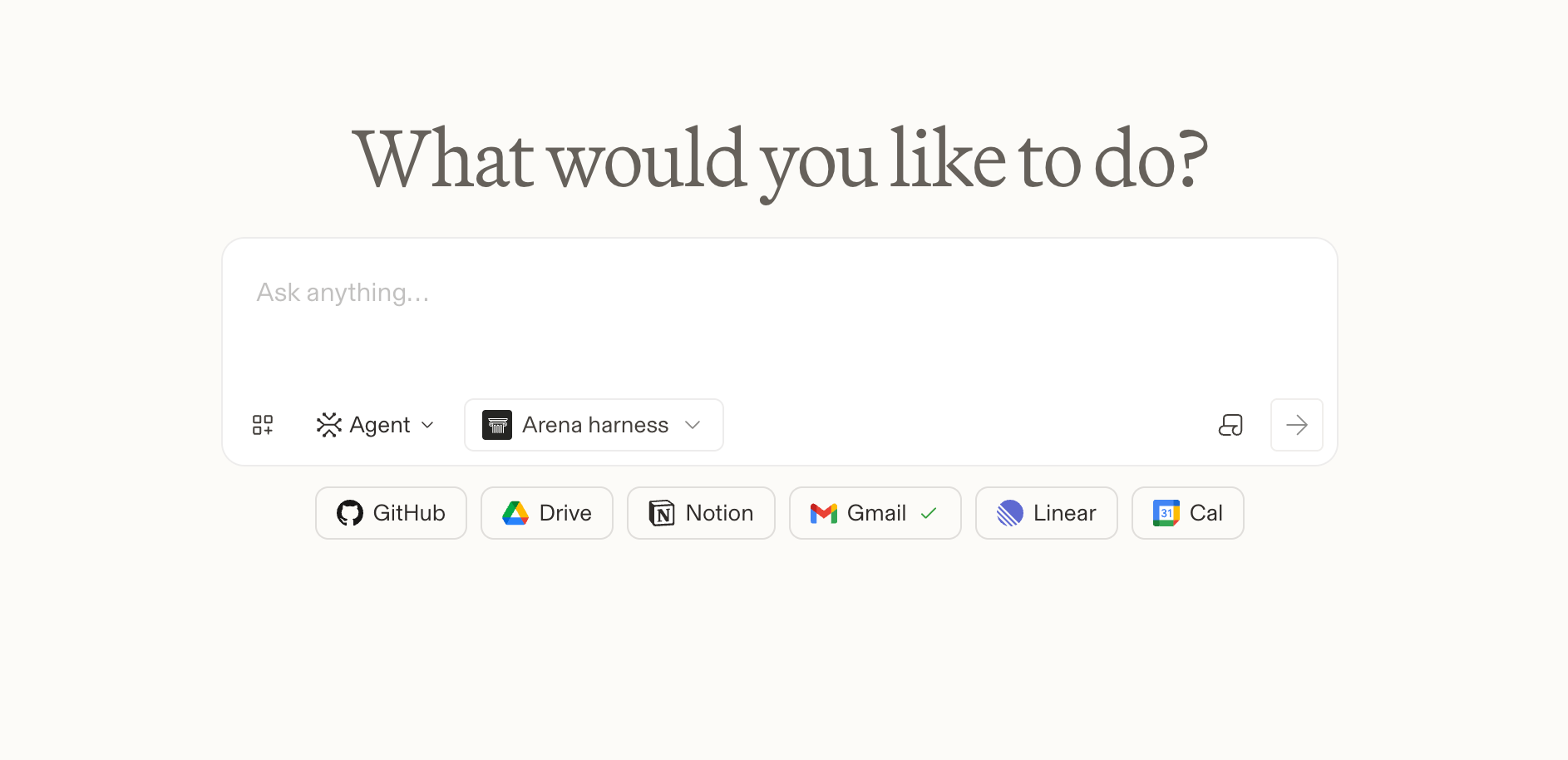
Apps you can connect
Google Drive, Gmail, Google Calendar, Notion, Slack, Linear, and GitHub.
Getting started
Open the connector menu near the message box.
Pick an app and select Connect.
Sign in and approve access in the window that opens.
Turn connectors on or off anytime. The agent only uses the ones you've enabled.
Please note that this feature is currently part of an experiment, so it may not be available to all users.