How to Generate Videos with Video Arena
Last updated: March 26, 2026
Arena's Video Generation lets you compare two anonymous models in a head-to-head competition to see who can create a better video based on your prompt. After you submit your prompt you'll be shown both model's generations where you can vote on which you prefer. These votes are what power Text-to-Video and Image-to-Video leaderboards.
The Video Arena is available on Arena. Video Arena isn't available in Direct and Side by Side, meaning you won't be able to select a specific model.
How To Use Video Arena
Log into, or create, your Arena account. You must be logged in to use Video Arena.
Select Video Arena. Click the film reel icon in the arena selector to switch to Video Arena.
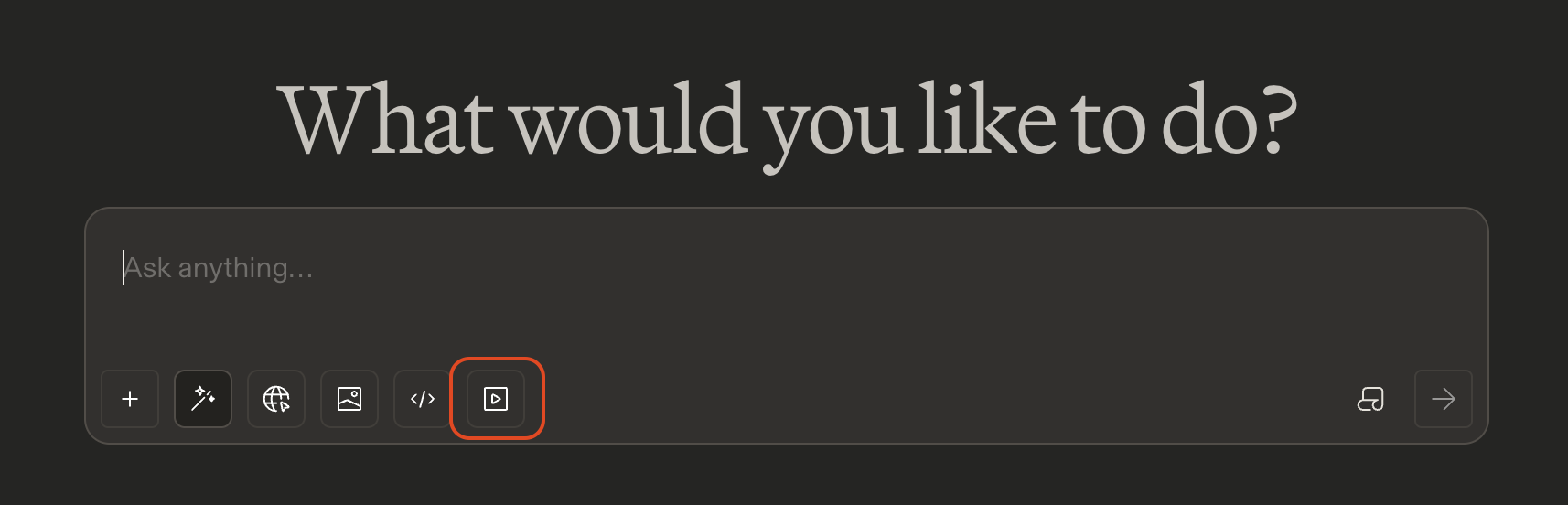
Enter a prompt. Provide a text prompt for text-to-video, or upload an image to generate in image-to-video.
Submit your prompt. Hit
Enterand the generations will start.

This may take up to 10 minutes to generate. Once done, you’ll receive a notification.
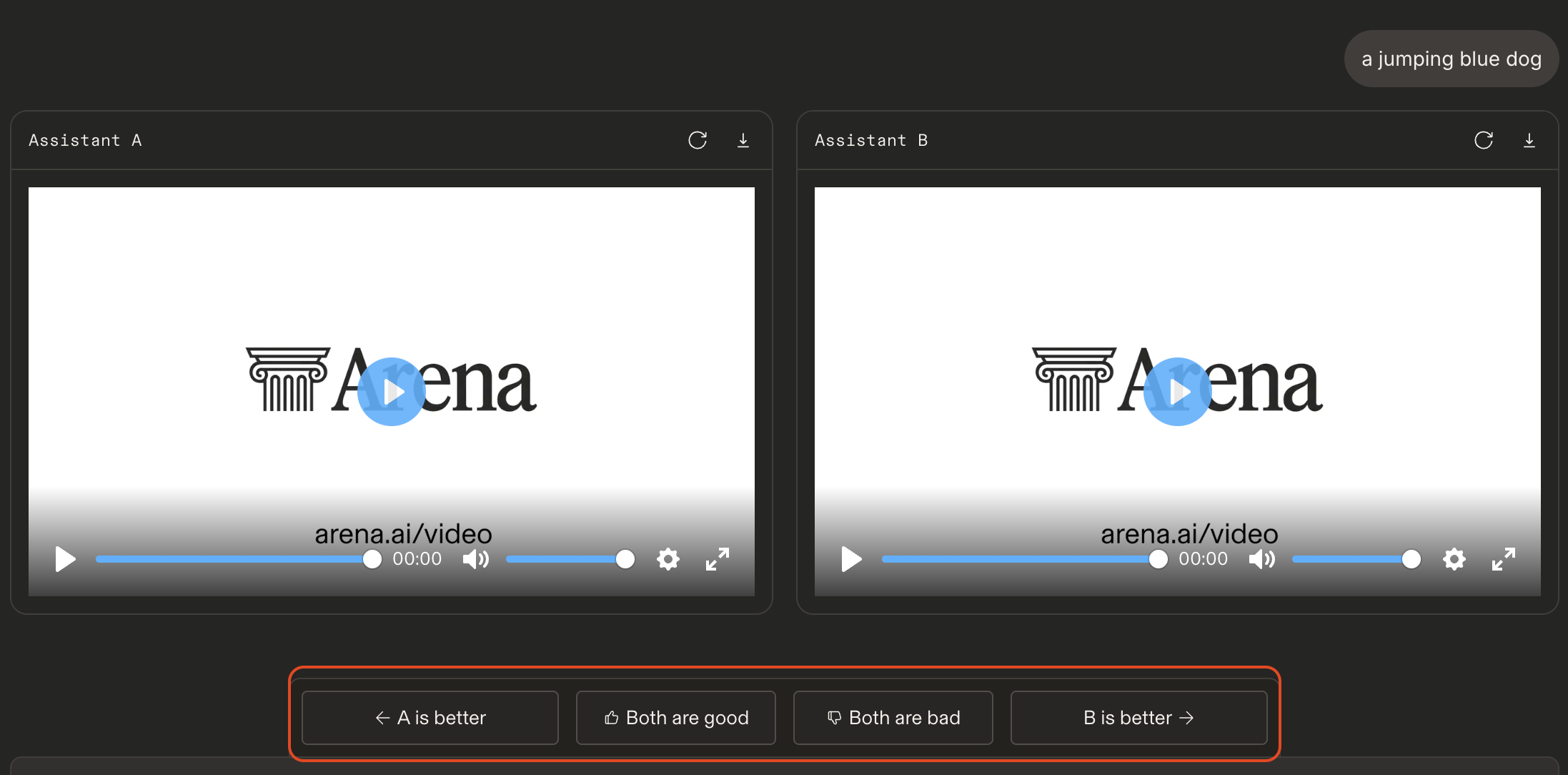
View both generations and vote on which you prefer! You must view both videos to vote.
Video Arena on Web Notes
Login required. Video generation is only available to logged-in users.
Video Arena is currently limited to 2 generations per 24-hour period. This limit may change over time.
Video Arena is Battle mode only. Video Arena does not currently support Side-by-Side or Direct mode.
Generated videos are typically 5-8 seconds long.
Video Arena supports one image upload per prompt. You’re unable to specify what frame this image is used for.
Not all models support audio output. Because Battle mode randomly selects which model you’re paired with, audio output may vary from generation to generation.