How to use coding in Agent Mode
Last updated: August 26, 2026
We’ve updated Agent Mode so it can work more directly with your existing code repositories. Instead of only helping write code, it can now connect to projects you already have and support more of the development workflow around them.
Specific new features include:
• Connect GitHub: Securely connect your GitHub account and choose which repositories Arena can access.
• Work in a sandbox: At the start of a session, Arena creates a separate copy of your repository so the agent can safely explore and edit your code.
• Review code changes: A dedicated diff panel makes it easy to see exactly what the agent changed, including changes from the latest turn or the full branch.
• Handle the Git workflow: The agent can help with cloning, committing, pushing changes, and creating pull requests, so you can spend more time reviewing the work instead of managing each step manually.
To use coding in Agent Mode, you’ll first need to connect your GitHub account.
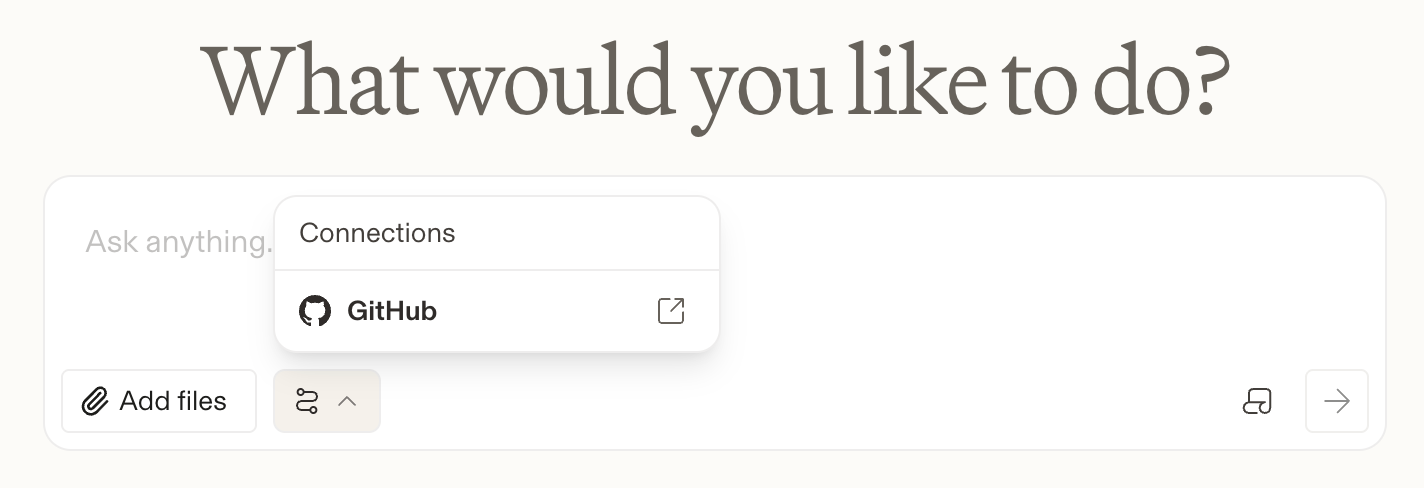
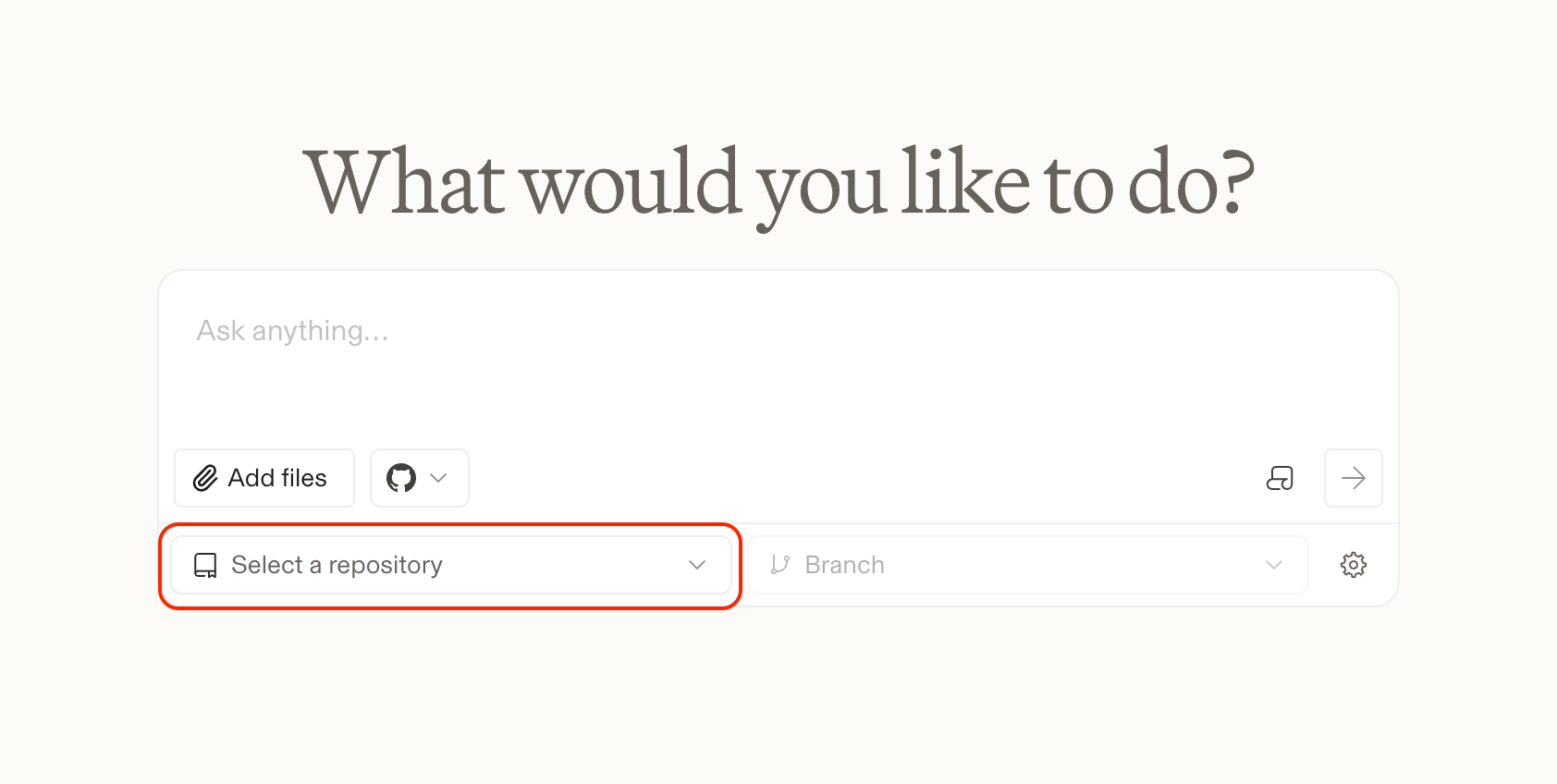
Once connected, click Manage repositories to choose which organizations and repositories you want to give Arena access to.
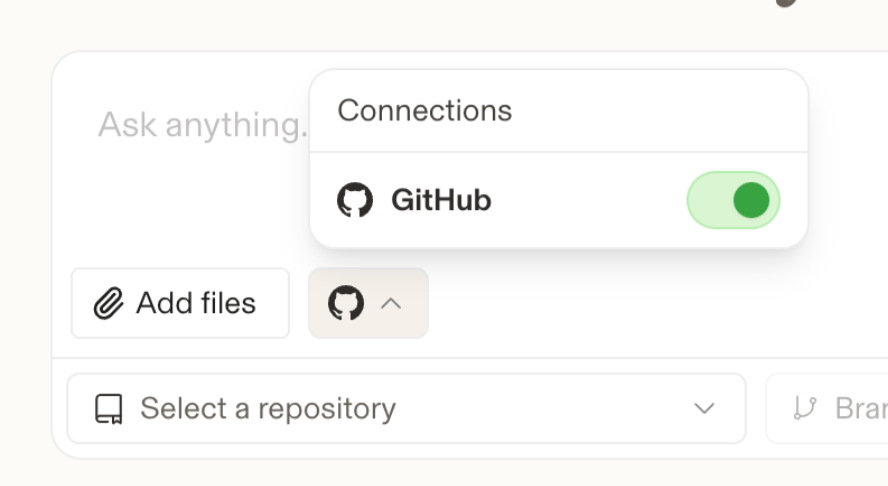
You’ll also need to make sure GitHub is toggled on in Agent Mode before using coding features.
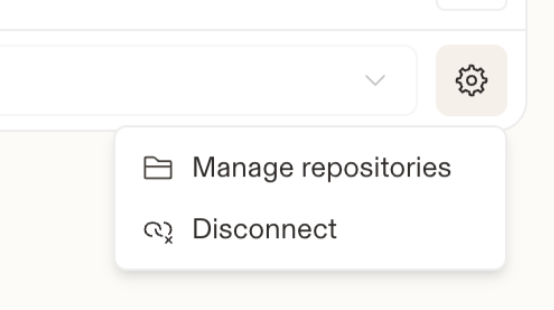
If you click the Settings icon, you can manage your repositories or disconnect your GitHub account. If you disconnect GitHub and reconnect it later, you’ll only need to reauthenticate your GitHub account. You won’t need to reconnect your repositories.
You can also ask Agent Mode to show you a preview. Just make sure your prompt clearly says that you want to see one.
There’s also a Checks window that shows the status of automated checks tied to your commits and pull requests. You’ll be able to quickly see whether each check is passing, failing, or still pending. This makes it easier to confirm that code changes meet your team’s quality requirements before they’re merged.
Each chat session currently supports creating a single pull request. We may support multiple PRs per chat in the future, but for now, the workflow is designed around one PR per session.