How to Build Web Apps in Code Arena
Last updated: July 3, 2026
Arena's Fullstack Code Arena lets users build with the best frontier AI models, and compare outputs. Create apps, and build websites all within a complete AI development environment supporting databases, APIs, and full backend deployments.
How To Use
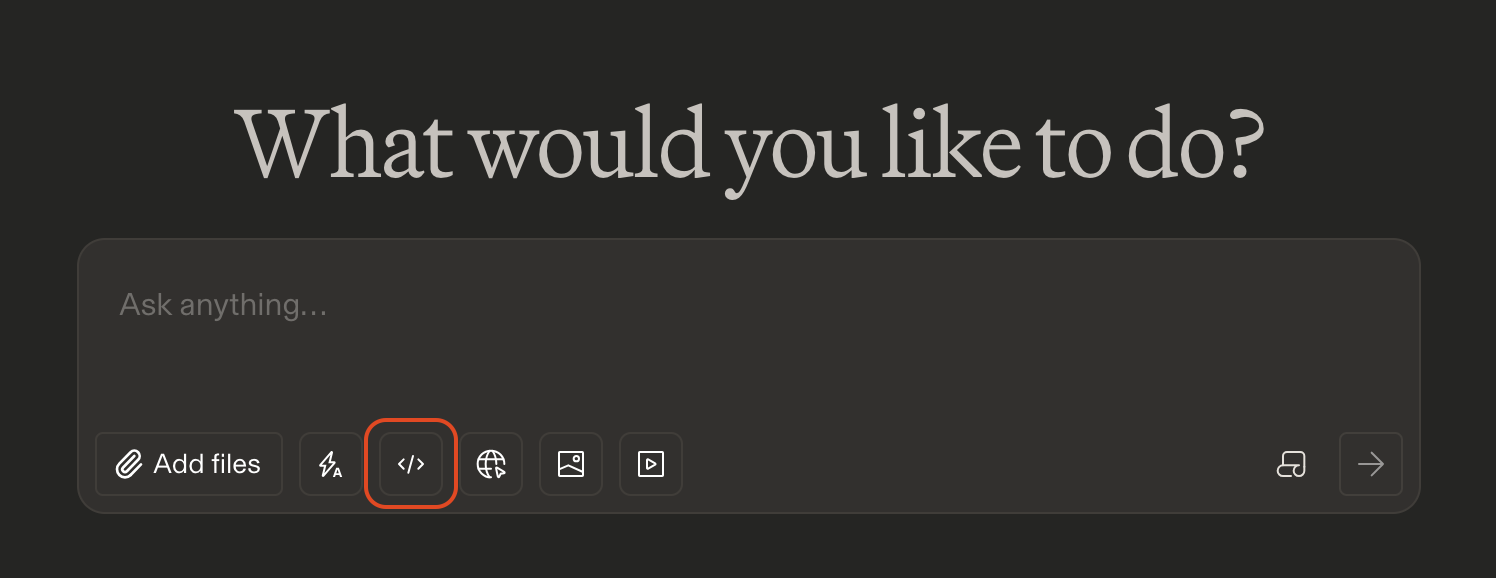
First, you'll need to enable the Code Arena modality by clicking on the < > button.
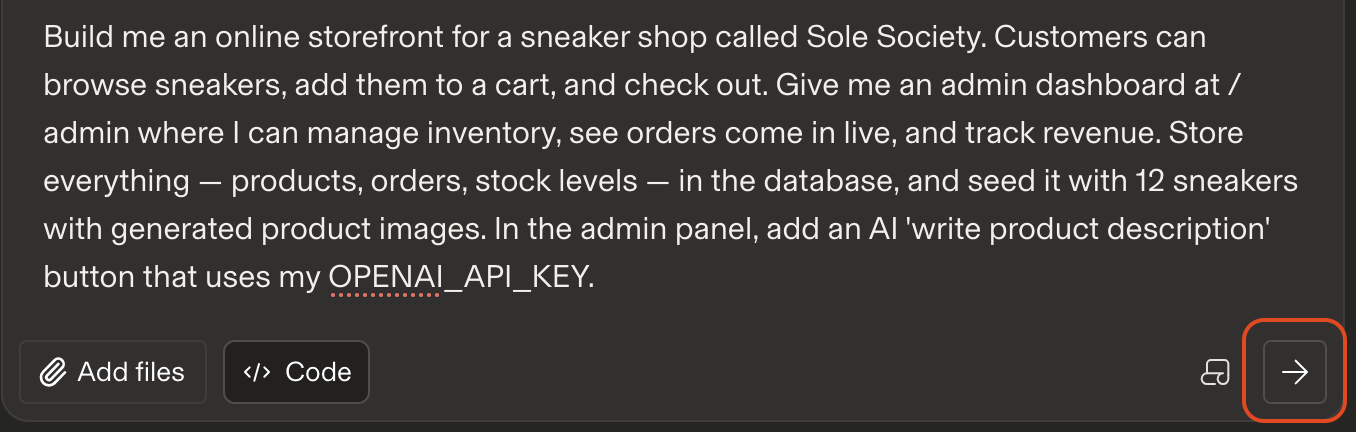
Once enabled, start prompting, hit the Enter key or click the arrow button, and watch your vision start to generate. To utilize fullstack capabilities, you'll want to structure your prompt in a way that clearly indicates you're building a fullstack application. You can do this either by explicitly mentioning that you're looking for a fullstack solution, or more implicitly by asking for components such as a database, API, authentication, or backend functionality.
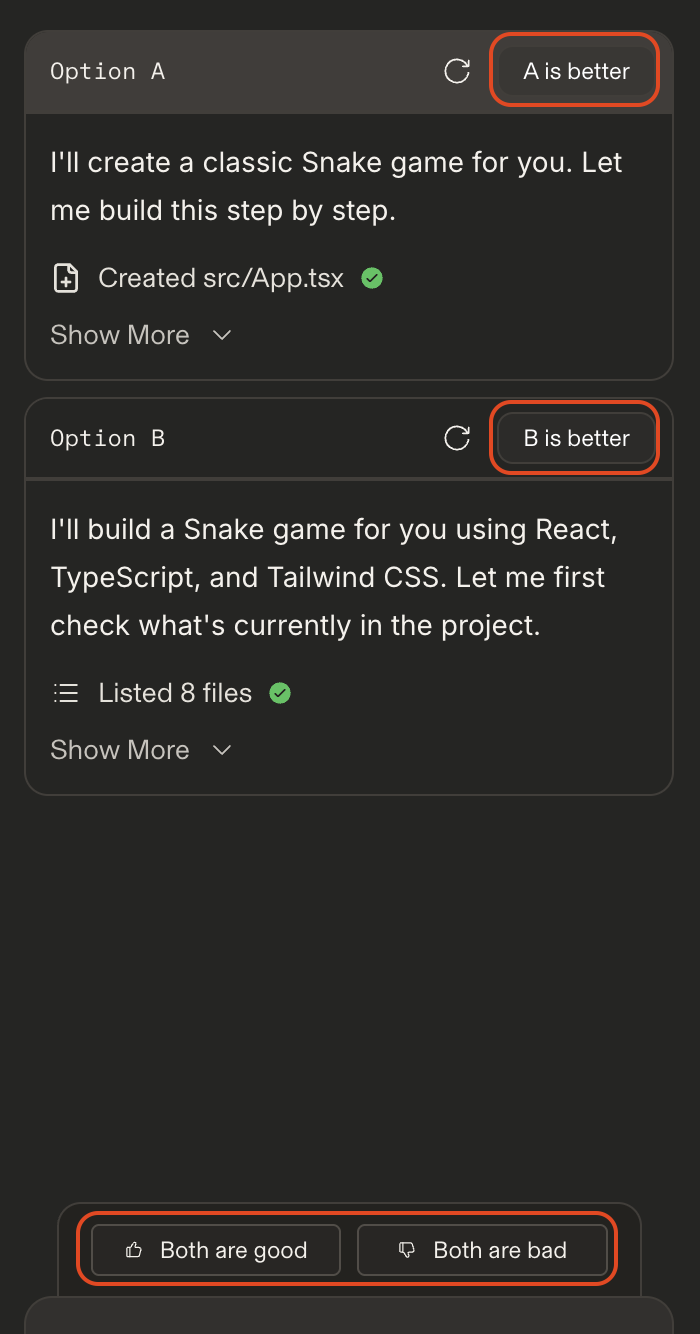
After a little bit of time you'll see that both Option A and Option B have completed their generation.
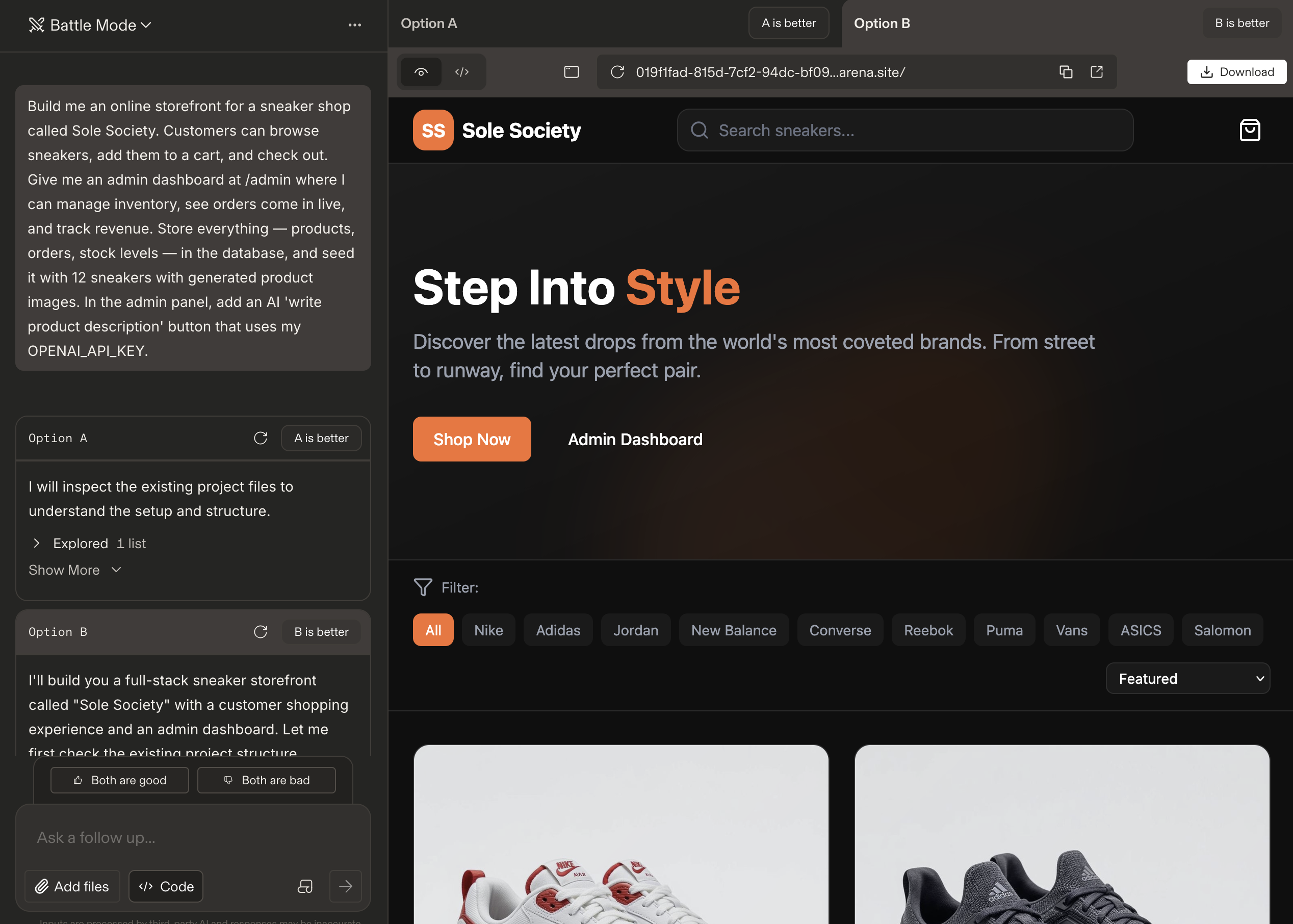
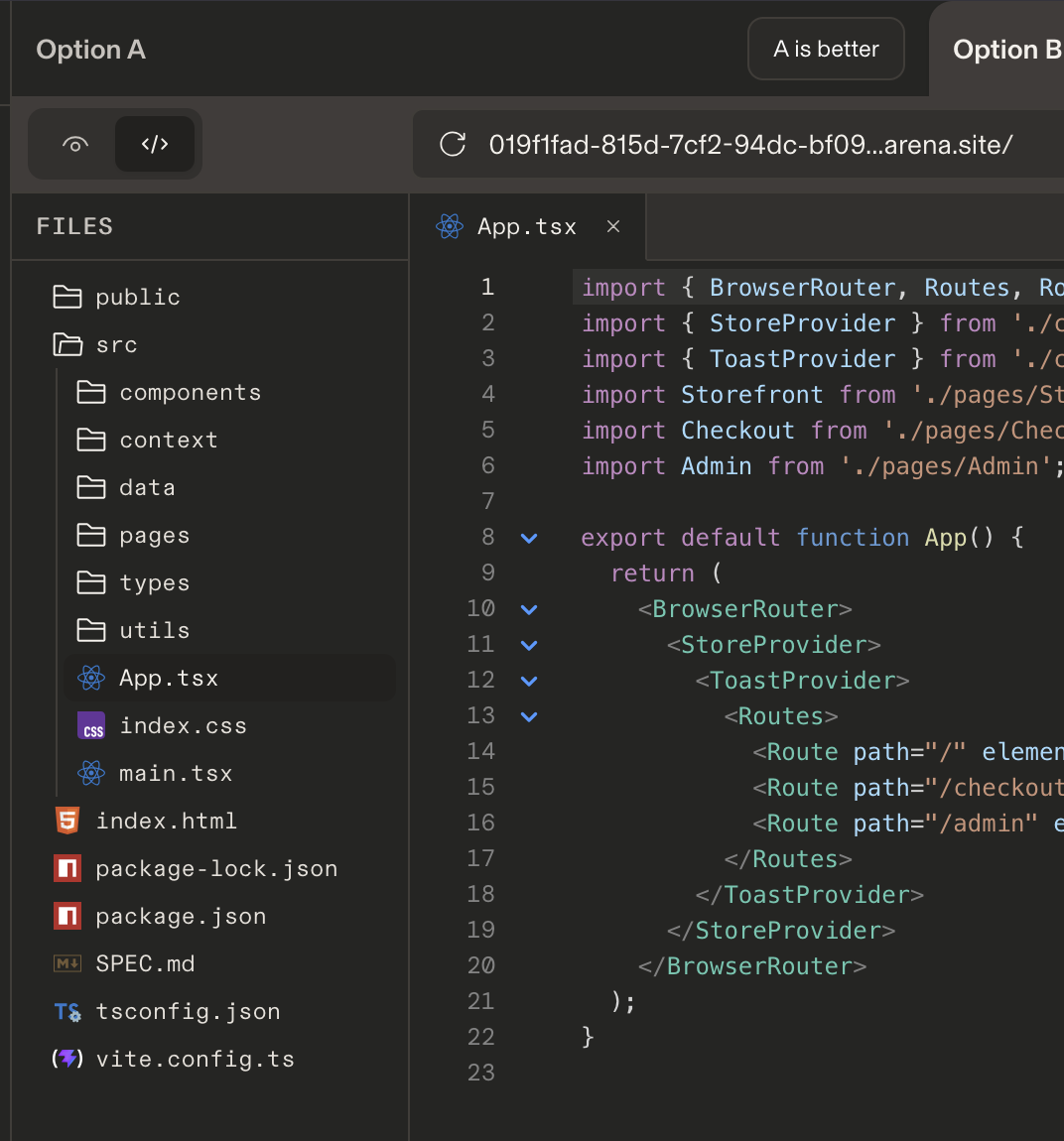
You can now...

When Fullstack is enabled, the preview link is replaced with a / instead of a URL. Clicking the / will open a dropdown menu listing all of the pages in your application, allowing you to navigate between them.


Continue to iterate on the generation by continuing the chat.
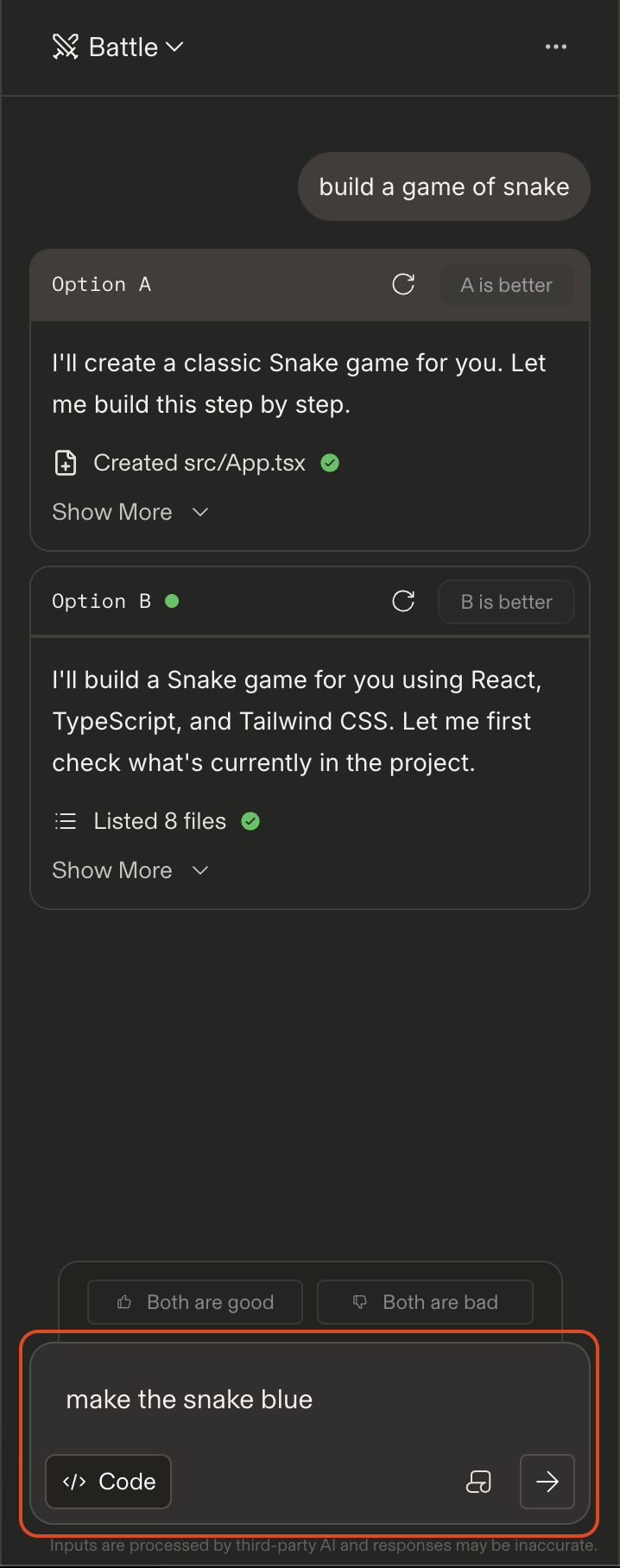
Note that in order for the voting options to appear you must preview both generations. Once viewed, you'll see the voting options appear.