How to Archive Chats in Arena
Last updated: February 13, 2026
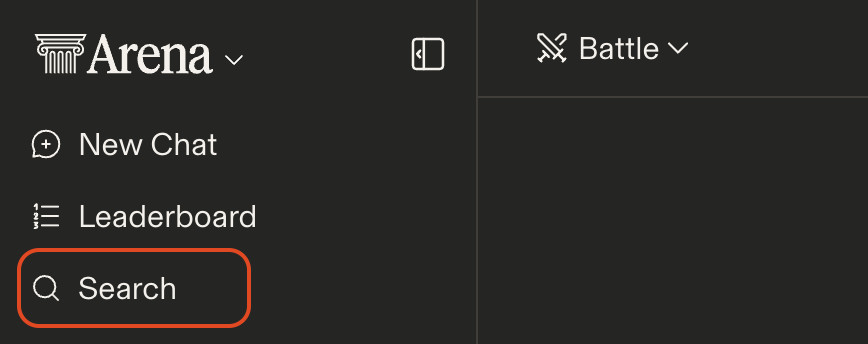
Introducing Archive Chat. With the Archive Chat you'll be able to archive a chat. To access your archived chats navigate to the Search Bar located in the top of the side bar.
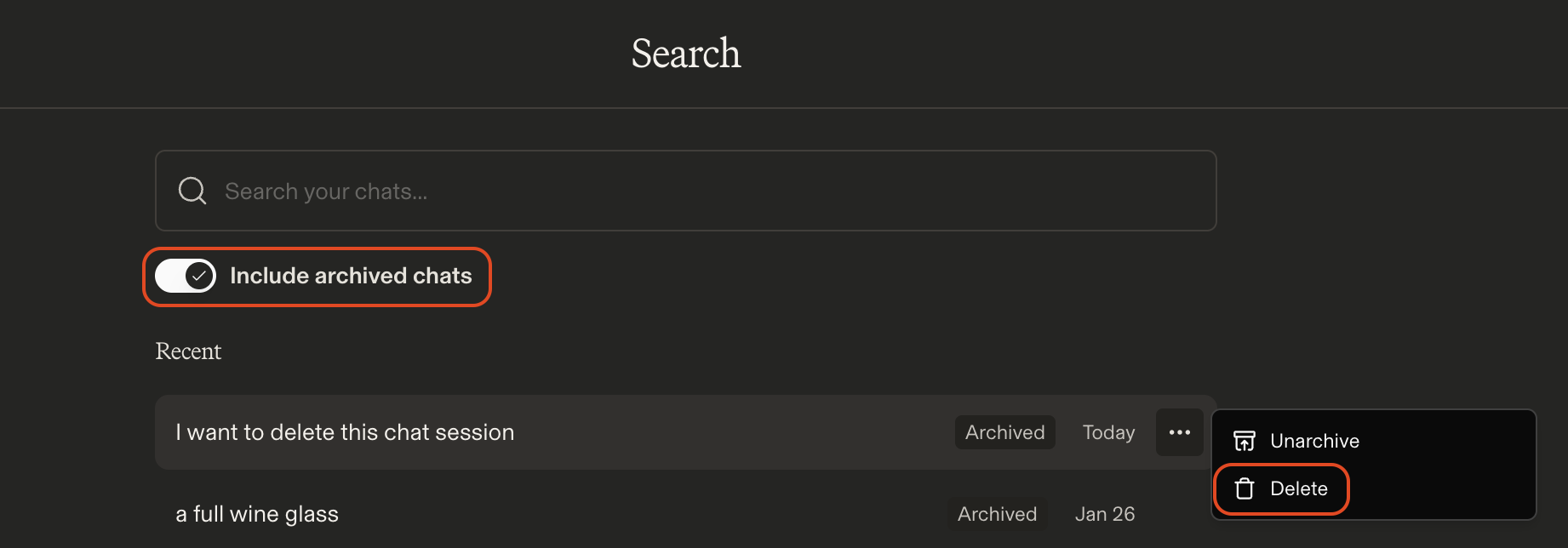
Here you'll be able to toggle on Include archived chats which will show all archived chats.
To Delete a Chat
To delete a chat you first need to archive a chat session. You can then delete the chat session from the Search menu. Toggle on Include archived chats, find the chat you'd like to delete, click on the three dots, and select Delete Chat.